

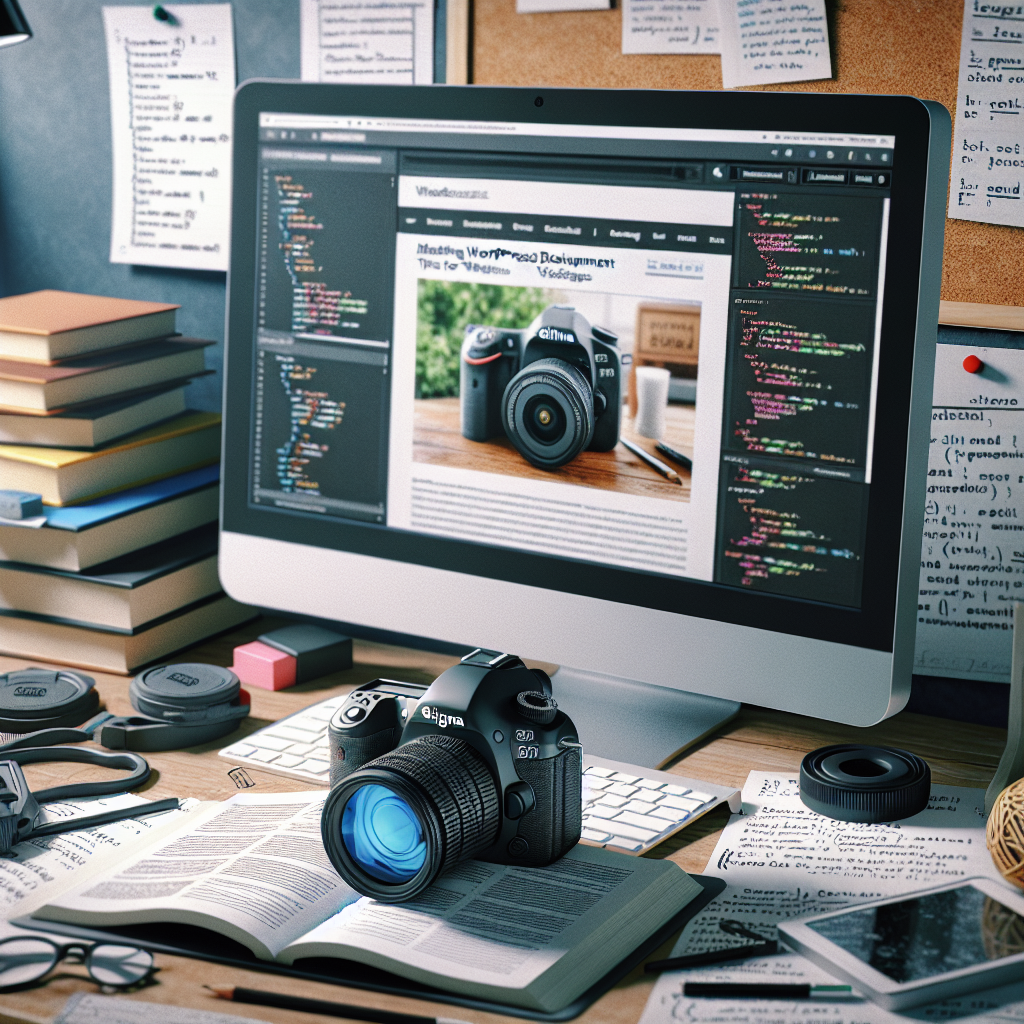
WordPress has become a go-to platform for website development due to its user-friendly interface and robust features. In this article, we will explore the intricacies of WordPress website development, covering essential concepts, best practices, and tips to create stunning sites that attract visitors and drive engagement.
The Fundamentals of WordPress Development
Understanding WordPress development starts with its architecture. Built on PHP and MySQL, WordPress provides a database-driven foundation that allows for dynamic content delivery. It comes with a variety of themes and plugins that enhance functionality and aesthetic appeal. Each theme determines the visual layout, while plugins offer additional features such as SEO tools, caching, and security enhancements.
- Themes: Choose a responsive theme that aligns with your brand identity.
- Plugins: Integrate essential plugins for SEO optimization, analytics, and social sharing.
- Customization: Tailor your website’s appearance and functionality through custom CSS and code modifications.
Optimizing Your WordPress Site for Performance
Once your WordPress site is up and running, the next step is optimization. A well-optimized site not only enhances user experience but also improves search engine rankings. Key strategies include optimizing images, utilizing caching solutions, and ensuring your site is mobile-friendly.
- Image Optimization: Use formats like JPEG or WebP and compress images to reduce loading times.
- Caching Plugins: Implement plugins like WP Super Cache or W3 Total Cache to speed up page delivery.
- Mobile Responsiveness: Test your site’s design on various devices and rectify issues to maintain functionality.
Ensuring Security and Regular Maintenance
The security of your WordPress site is paramount. Implementing robust security measures such as SSL certificates and regular updates are crucial for protecting your data. Regular maintenance is also essential to keep your website running smoothly.
- Security Plugins: Utilize plugins like Wordfence or Sucuri for real-time monitoring and malware scanning.
- Backups: Schedule regular backups using plugins like UpdraftPlus to recover your site in case of emergencies.
- Updates: Always update WordPress core, themes, and plugins to benefit from the latest features and security patches.
In conclusion, mastering WordPress website development involves understanding the platform’s architecture, optimizing for performance, and prioritizing security and maintenance. By following these guidelines, you can create a powerful and engaging website that stands out in the digital landscape.
